Computing & Hardware
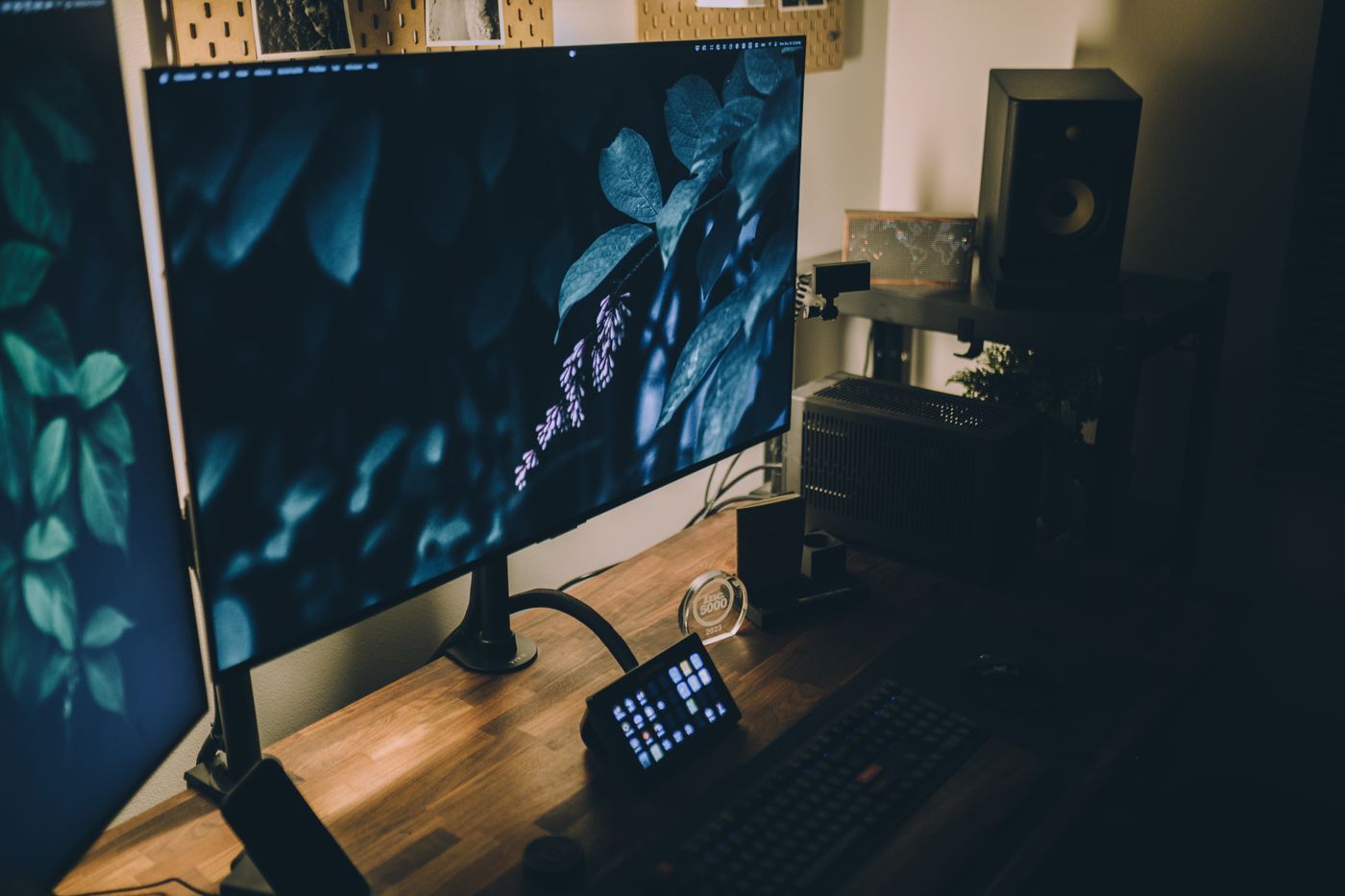
Buy a Dock That Brings Both Screens Back
Specify the actual display arrangement, then test what happens after an ordinary break and a trip away from the desk.

PC builds, laptop reviews, processor benchmarks, GPU comparisons, and hardware deep dives.
Computing & Hardware
Specify the actual display arrangement, then test what happens after an ordinary break and a trip away from the desk.

Computing & Hardware
A small comparison across rooms and hours can show whether a weak link follows the wireless path, the busy evening, or one particular device.

Computing & Hardware
Observe memory pressure, separate slow pages from slow switching, and change one part of a working browser session at a time.
Computing & Hardware
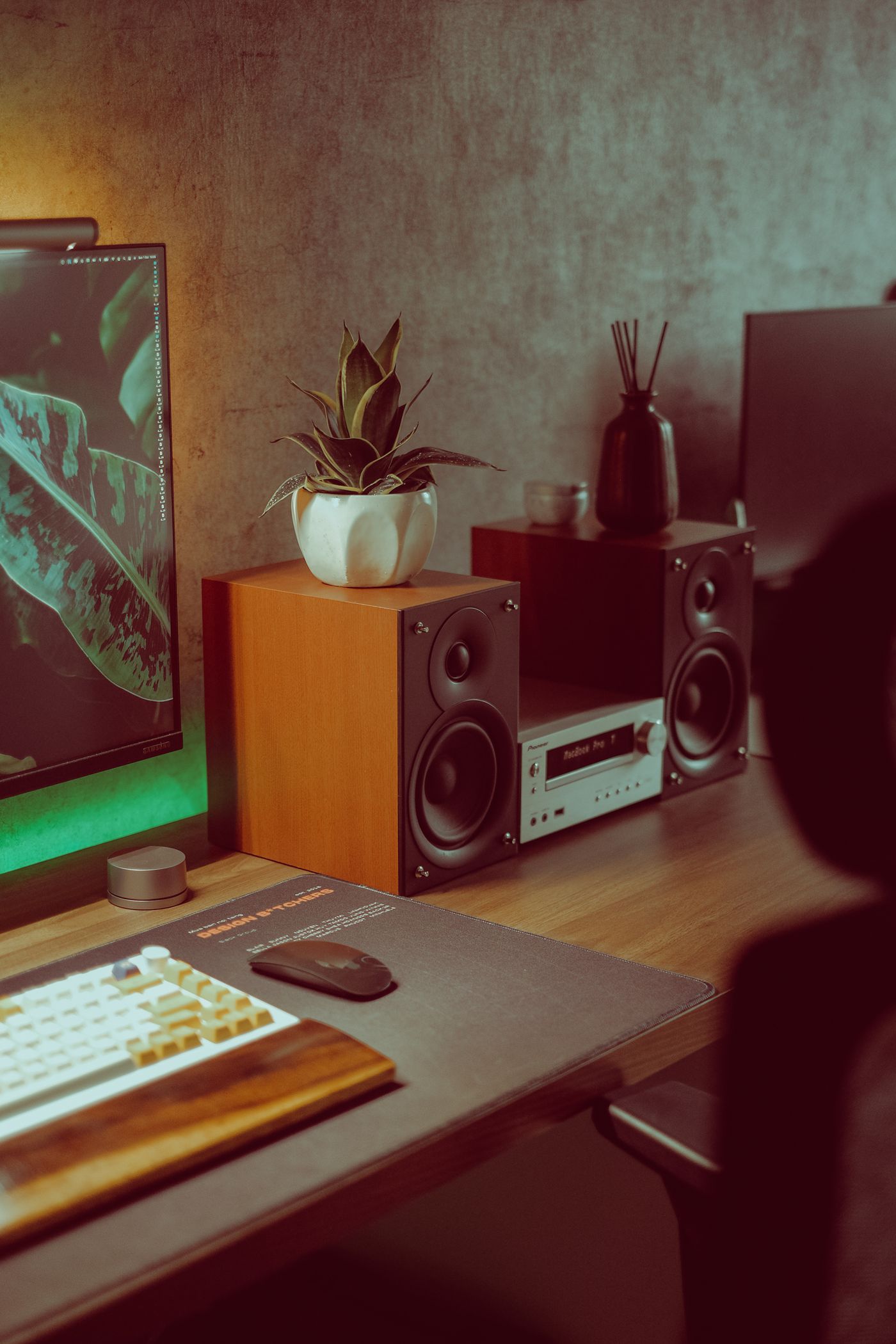
Follow one known audio source through the app, computer, cable, monitor, and speaker before assuming that any of the equipment is broken.
Computing & Hardware
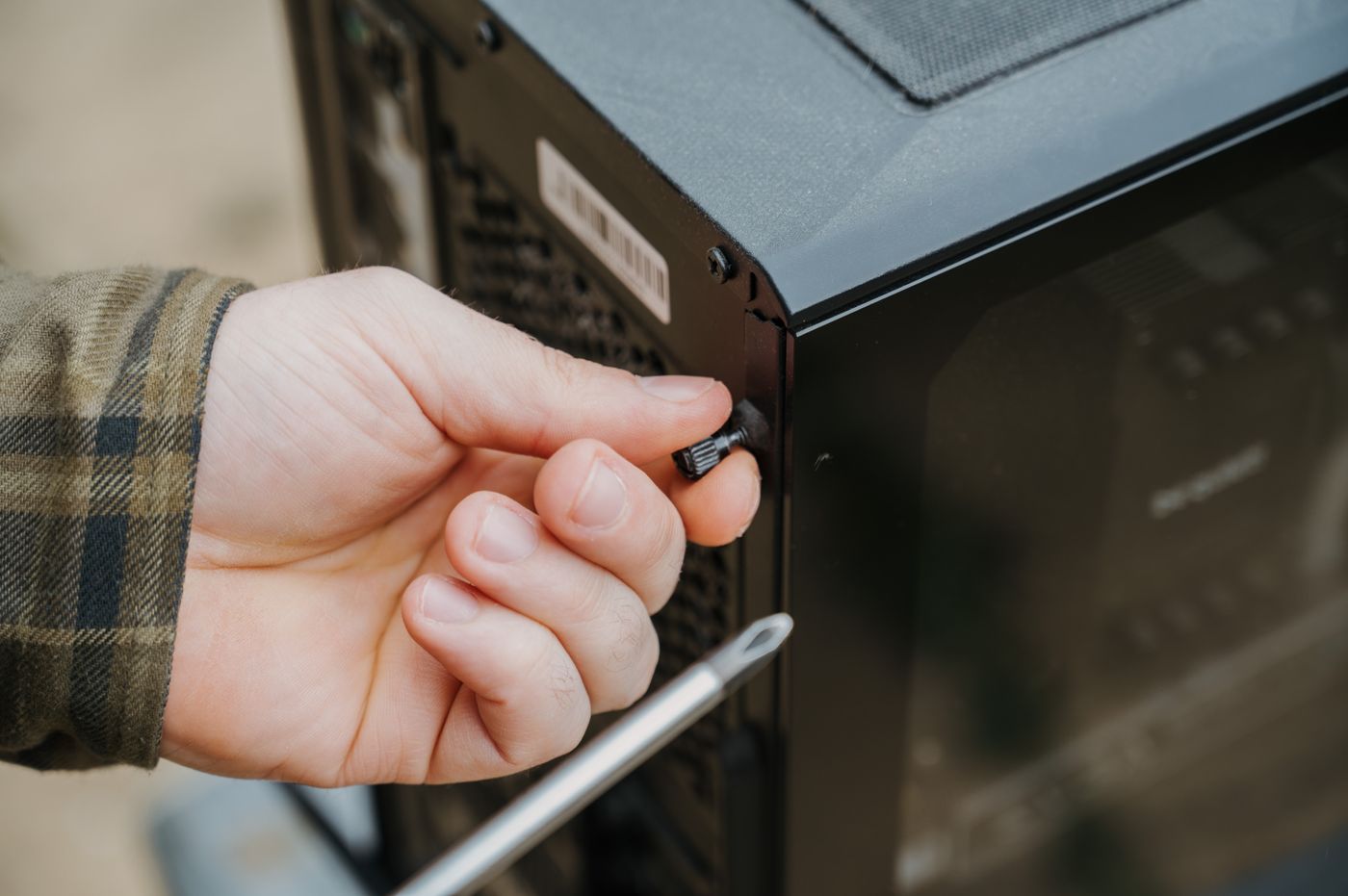
Use the timing and character of a new noise to separate a busy fan, a vibrating surface, and equipment that needs a closer look.
Computing & Hardware
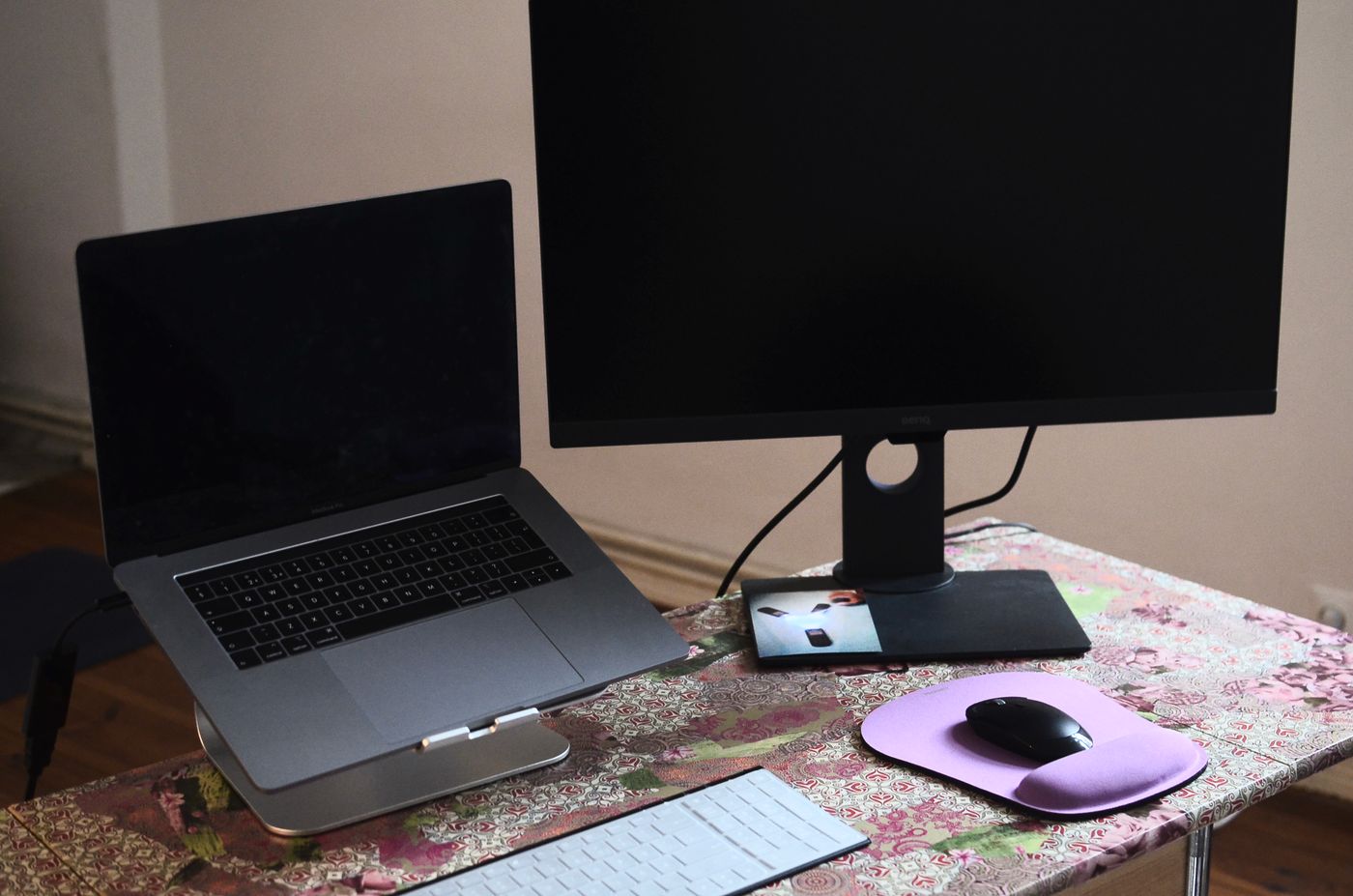
A day of readings can put the laptop, monitor, and idle accessories in proportion and reveal which changes would actually affect energy use.
Computing & Hardware
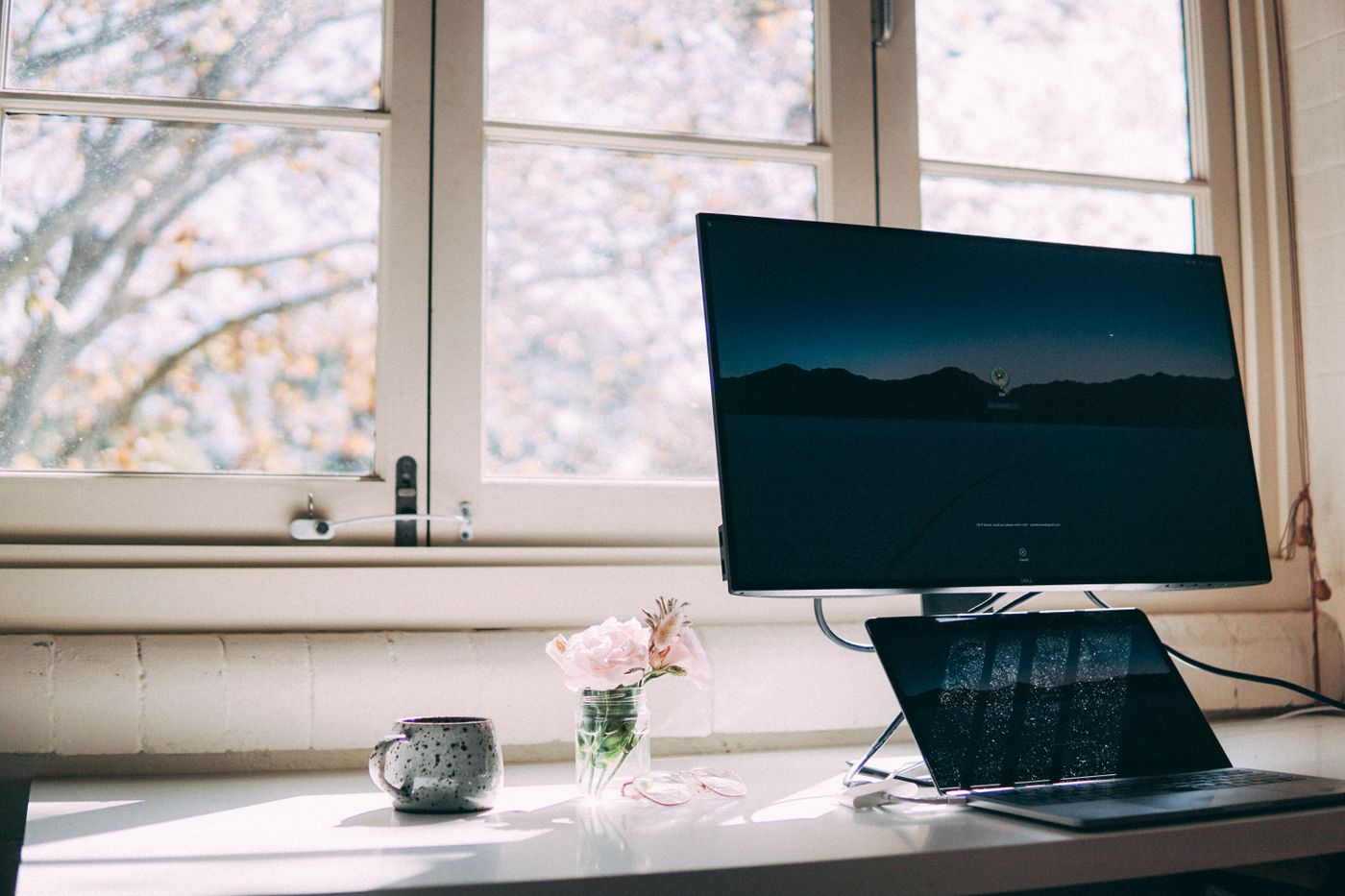
Follow a reflection across the screen and find out whether the display or the room is hiding the detail you need.

Computing & Hardware
A small recovery rehearsal can reveal missing files, unavailable passwords, and gaps between what a backup reports and what it actually restores.
Computing & Hardware
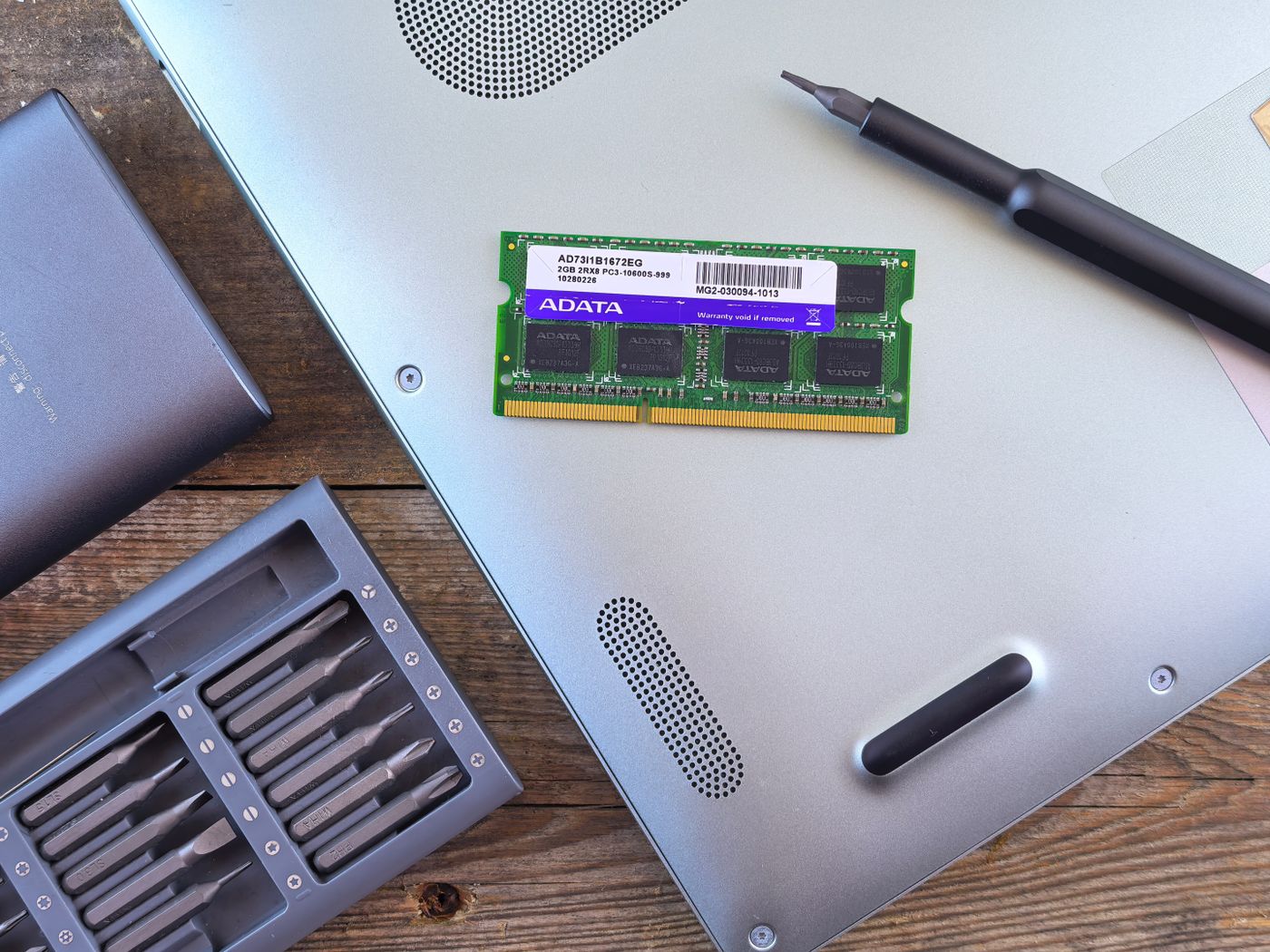
Identify the exact computer configuration, confirm what its memory slots can accept, and choose an upgrade that addresses a workload you can reproduce.
Computing & Hardware
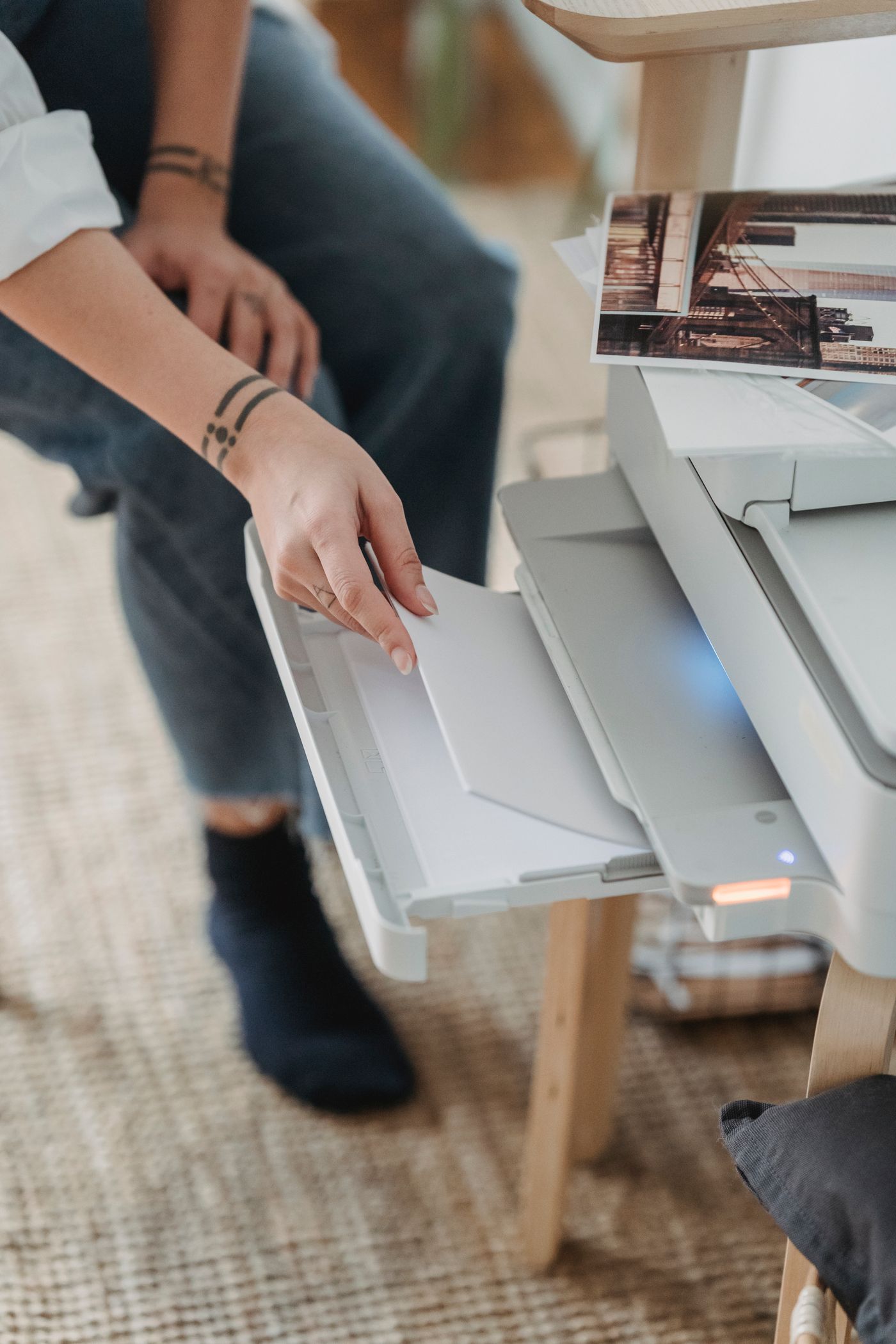
Use a local test page, two short jobs, and a week of ordinary use to tell whether a home printer has a hardware problem or an inconvenient setup.